 Tapsalot
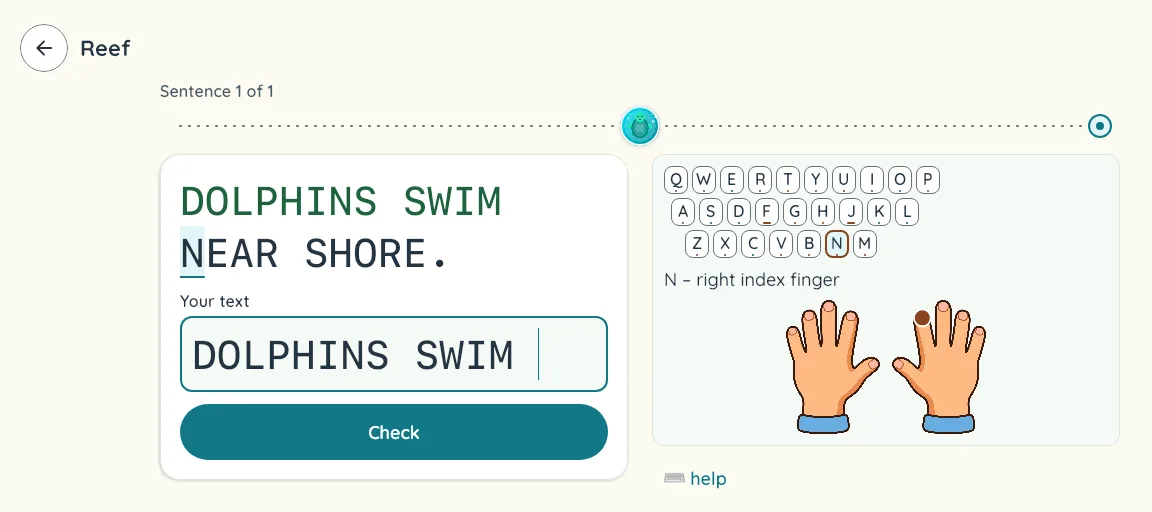
As kids type, they uncover real facts about space, dinosaurs and nature. Short lessons, new worlds to unlock, encyclopedia cards and the Mission of the Day give them reasons to practise at their own pace.
Explore the worlds
Try it: type TAPSALOT on your keyboard or tap the keys.
12 worlds to discover
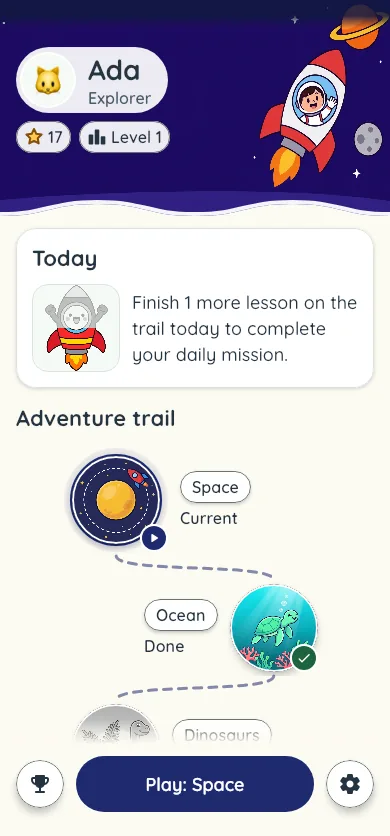
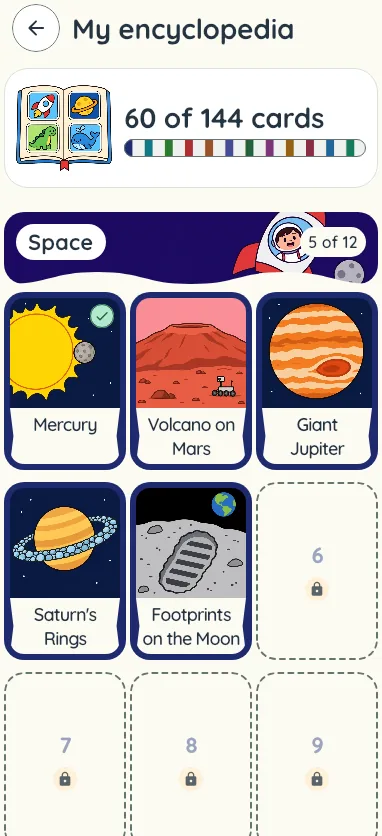
Every world has three chapters, a big challenge and 12 picture cards to collect.
-

Space
-
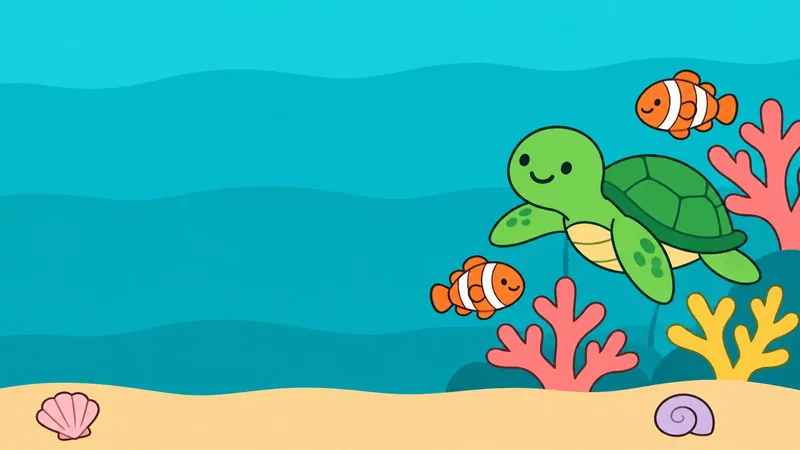
Ocean
-
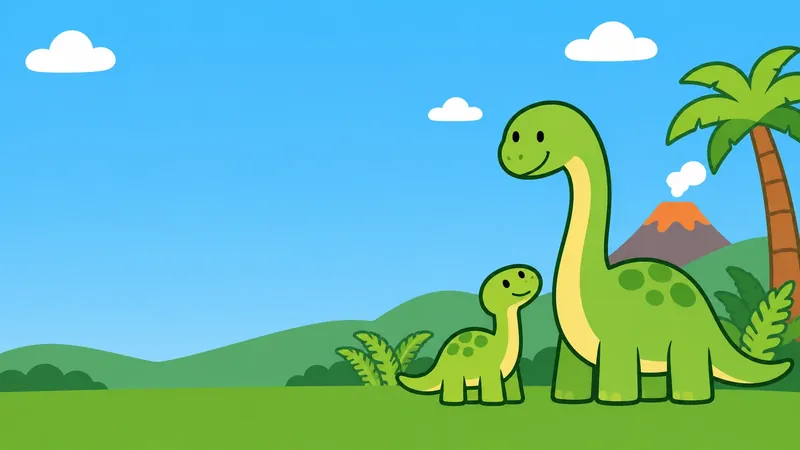
Dinosaurs
-

Human Body
-
Volcanoes and Earth
-


Weather
-

Polish Forest
-
Insects
-
Ancient Egypt
-
Castles and Knights
-

Inventions and Robots
-

Continents
Your child's journey in 4 steps
-
Pick a world on the map.
-
Type the lesson – the next letter glows and the hands show which finger to use.
-
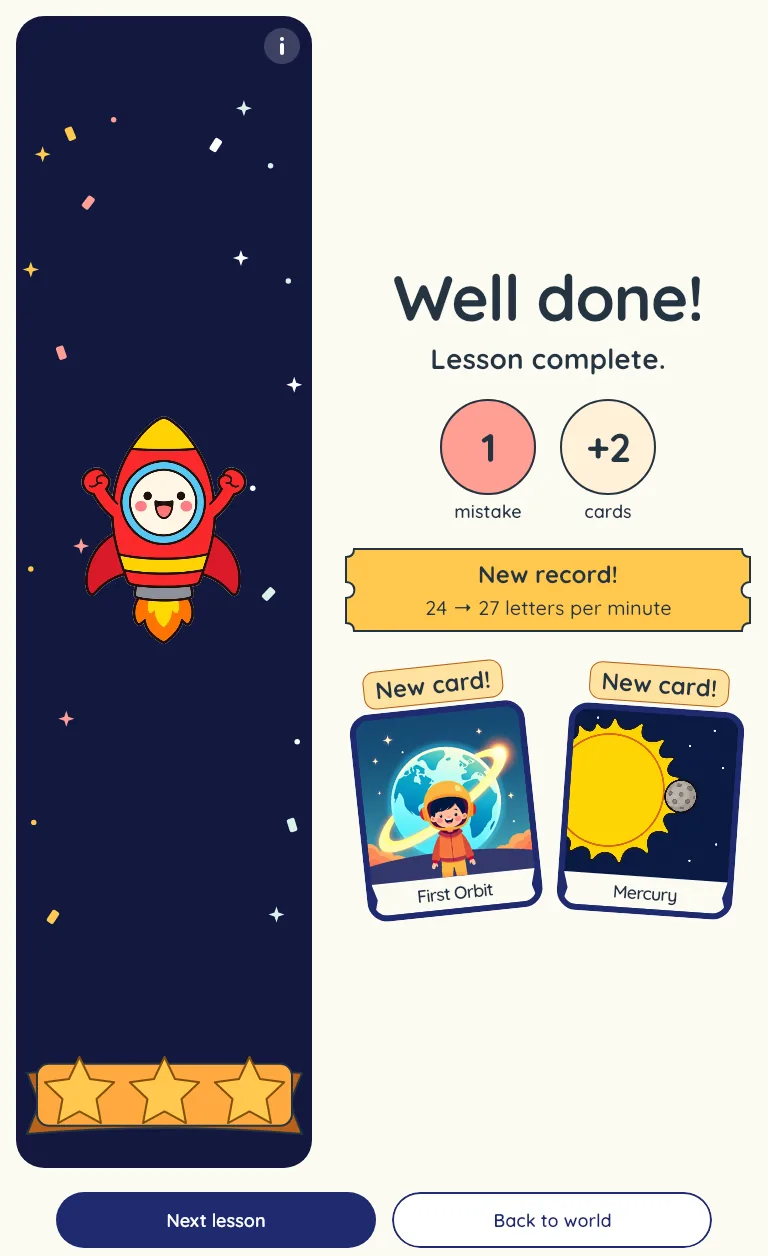
Earn stars and a new picture card.
-
Come back for the Mission of the Day.
A peek inside
Real skills, no stress
- All ten fingers, starting from the home row (F and J)
- Lessons in English and Polish
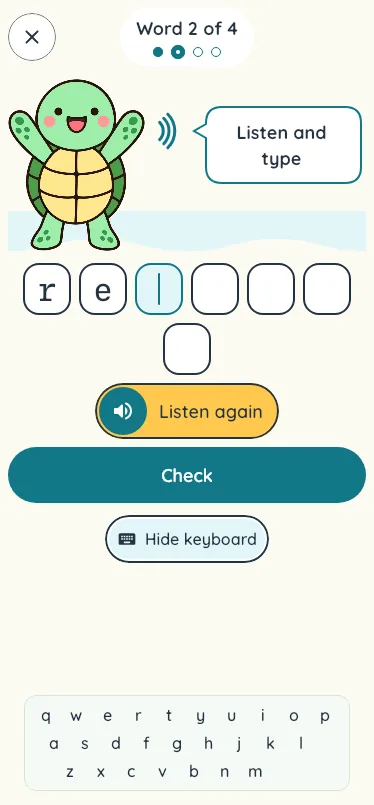
- Dictation: listen to a word and type it
- No countdown, no ranking, no comparing with other children – each child works at their own pace and sees their own stars and personal record
Made for kids. Built for parents' peace of mind.
- No ads.
- No accounts or sign-ups.
- Progress stays on your device.
- A parent gate protects purchases and settings.
- Free to try: the whole first world and the first chapter of every other world.
- You decide which worlds to unlock.
Questions
For what age?
For children aged 7–10 who are starting to type.
Which languages?
Polish and English – both the app and the lessons.
Do we need a keyboard?
No. It works with the touch keyboard, and a physical keyboard on a tablet makes ten-finger practice even better.
When can we play?
Tapsalot is coming soon to Android phones and tablets. A computer version will follow.